
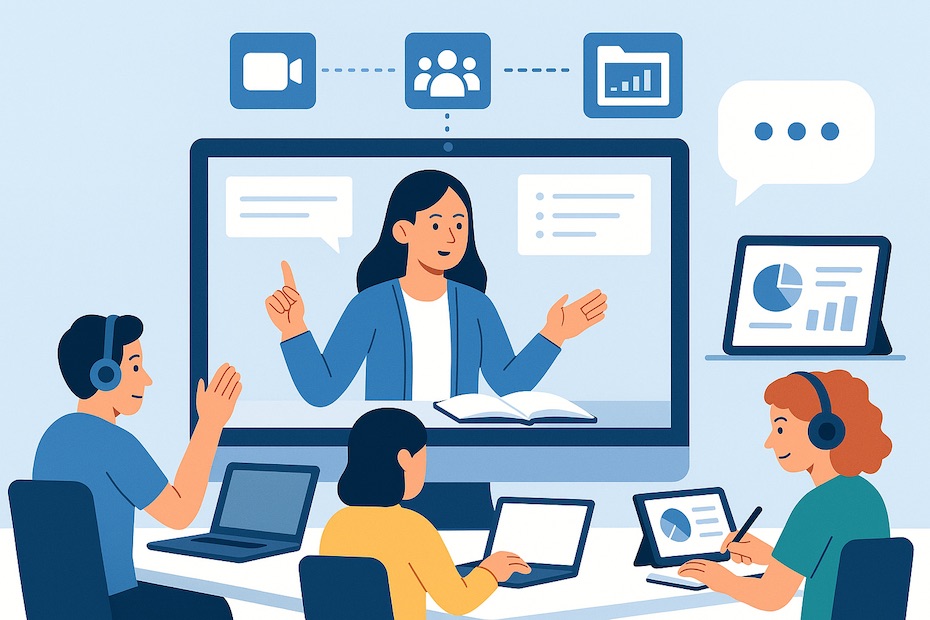
You enable effective virtual education by integrating platforms that support real-time teaching, asynchronous learning, and seamless group collaboration.
This article gives you a performance-driven breakdown of the most effective tools for remote learning. You’ll learn what to deploy, how to compare them, and how to align them with student needs, instructional outcomes, and engagement metrics.
What are the best tools for remote learning collaboration?
Your core stack should support communication, file sharing, task coordination, and student engagement. The best-performing tools right now include Zoom, Microsoft Teams, Google Workspace, Slack, Notion, and Miro.
Zoom and Teams dominate synchronous delivery. Zoom handles virtual classrooms with reliable breakout room mechanics and whiteboard tools. Teams integrates natively with Microsoft 365, letting instructors and students work on Word or PowerPoint during live sessions. Slack enhances real-time messaging and embeds third-party plugins like Loom or Otter for transcripts.
Notion consolidates schedules, tasks, and shared notes. Google Workspace handles assignments, document edits, and storage with version control and GDrive integration. Each tool fits a specific workflow—your job is to unify them into a frictionless learning pipeline.
How does Zoom compare to Microsoft Teams for online classes?
Zoom gives you simplicity and stability for high-volume classes. Teams gives you a controlled, integrated hub tied to the Microsoft ecosystem.
With Zoom, you run large-format lectures with low friction. You get instant room creation, screen sharing, and polling. Zoom’s gallery view and breakout controls simplify live engagement. It works well when you need fast setup with minimal IT support.
Teams becomes essential if your users already work in SharePoint, OneDrive, or Outlook. It centralizes scheduling, chat, meetings, and shared documents. Its depth benefits enterprise-level deployments and universities with established Microsoft agreements. Performance-wise, both tools are reliable—your decision depends on whether integration or independence is more important.
Can AI improve virtual classroom engagement?
AI tools now assist with participation tracking, note capture, and content personalization. You offload admin while enhancing user retention and satisfaction.
Otter AI records sessions, transcribes in real-time, and auto-summarizes discussions. That ensures learners who join asynchronously still receive core content. AI assistants embedded in LMS platforms adapt modules based on performance data—flagging disengaged students or personalizing quiz flows.
Speech analytics and sentiment tracking now help you measure student responsiveness. If interaction levels drop, systems alert instructors with data—not intuition. This shifts engagement from subjective interpretation to actionable metrics.
What’s the role of virtual whiteboards like Miro or BigBlueButton?
You use whiteboards to translate abstract thinking into visible collaboration. That’s critical in STEM, design, and team-based projects.
Miro supports agile mapping, group sketching, and real-time mind-mapping. With over 90 million users, it’s proven in enterprise, education, and project management settings. You can embed videos, draw architecture flows, and launch stand-up-style activities inside one interface.
BigBlueButton, often embedded in Moodle or Canvas, is purpose-built for education. It offers polling, breakout groups, shared notes, and whiteboarding natively. It tracks learner participation and outputs analytics per session. Both tools let you teach visually without reverting to static PDFs or slides.
How secure are remote collaboration platforms?
Security isn’t optional—you must verify encryption, data compliance, and authentication layers before deployment.
Zoom and Teams now offer end-to-end encryption and enterprise key management. Otter, Miro, and Notion support SSO (single sign-on) and follow SOC 2 Type II compliance. For academic institutions, GDPR and FERPA adherence is non-negotiable.
You should enforce MFA across platforms, audit admin rights regularly, and configure user roles based on instructional context. Even asynchronous tools like Google Workspace require access controls and document sharing restrictions to protect institutional IP and learner data.
What tools support asynchronous learning effectively?
Your asynchronous strategy succeeds when learners have reliable access to modular content, collaboration spaces, and shared deliverables.
Google Classroom, Notion, and Moodle anchor this segment. They let students revisit lectures, submit work, and interact with peers on their own time. Tools like Loom enable instructors to deliver short recorded explanations—ideal for microlearning.
The University of Makati’s 2024 study reported a 4.61/5 effectiveness score for Google Workspace in asynchronous academic collaboration. You’re not guessing here—the platforms already show results in real-world classrooms.
Benefits of hybrid synchronous and asynchronous models
You balance live instruction with flexible access when you combine these formats. Engagement climbs. Burnout drops. Completion rates improve.
- Zoom or Teams for live feedback and discussion
- Otter or Loom for recorded reviews
- Google Docs and Notion for group assignments
- Miro or BigBlueButton for creative collaboration
- Slack or Discord for always-on communication
Use live sessions to spark energy. Use async tools to sustain progress. Monitor LMS analytics to identify gaps in participation and act fast.
Steps to implement effective remote tech
Your deployment must focus on outcomes, not logos. Implement with a repeatable process:
- Audit current platforms—Eliminate overlap and security gaps
- Map tool to need—Match communication, content delivery, and collaboration tools to learner types
- Launch pilots—Test each stack in a small cohort before full release
- Train instructors—Provide short, use-case-driven modules on feature sets
- Monitor and adjust—Track engagement, login rates, and assignment performance
- Document standards—Create workflows for students and faculty to follow
- Measure impact—Collect student feedback and analyze trends quarterly
This gives you a controlled, scalable rollout and a feedback loop for improvement.
What tools help remote learning work?
- Zoom/Teams for live sessions
- Miro/BigBlueButton for interaction
- Google Workspace for async learning
- Otter AI for transcription
- Slack/Notion for collaboration
In Conclusion
Your success in remote learning depends on how well you align tech with pedagogy. Platforms like Zoom, Miro, Notion, and Otter AI streamline interaction, collaboration, and tracking. Blending synchronous and asynchronous tools ensures access, performance, and accountability. By controlling implementation, training, and metrics, you lead education that scales with impact—not chaos.
If you’re interested in exploring more ideas, visuals, and resources on education and technology, feel free to connect with me on Pinterest.

Jim DePalma is a media and marketing strategist and consultant with deep experience in digital media and brand growth. A former leader at Westinghouse Electric (during the CBS acquisition and Viacom integration) and at CBS MarketWatch, he now advises companies on digital strategy, M&A-driven transformation, and audience expansion.